
Built-in Checklists
Assign checklists to medicals so all clinic staff are in the loop, ensuring no sections are missed. Pre-configure and re-use for quick access.
From secure form handling to real-time updates, CMx Workmed makes workplace and pre-employment medicals faster, easier, and smarter.
Assign checklists to medicals so all clinic staff are in the loop, ensuring no sections are missed. Pre-configure and re-use for quick access.

Restrict access to ensure only qualified staff are able to complete their parts of each medical, making it fool-proof for clinics where nursing, GPs, and admin staff are all in the mix.

Individualise each checklist or booking to add or remove single questions or even entire sections - all depending on the needs of your clients.

Add PDF files for any audiometry, spirometry, ECG, or other reports as needed. All are automatically appended to the final report.

Everything is secured with industry-standard TLS encryption. No medical records are sent insecurely via email. All relevant Australian eHealth privacy and security standards are met.
Workplace and pre-employment medicals can be an administrative challenge. Collating candidate survey responses can take forever, while basic data entry in examinations can be error-prone. When all is done, a mess of paperwork is left to be compiled and scanned in, or worse - mailed off.
For a clinic using CMx Workmed, processing a medical assessment follows four simple steps:

The employer contacts the clinic and books a medical exam for their candidate or employee. The clinic enters the candidate's basic info, mobile number, and appointment date into CMx Workmed.
Step 1 of 4
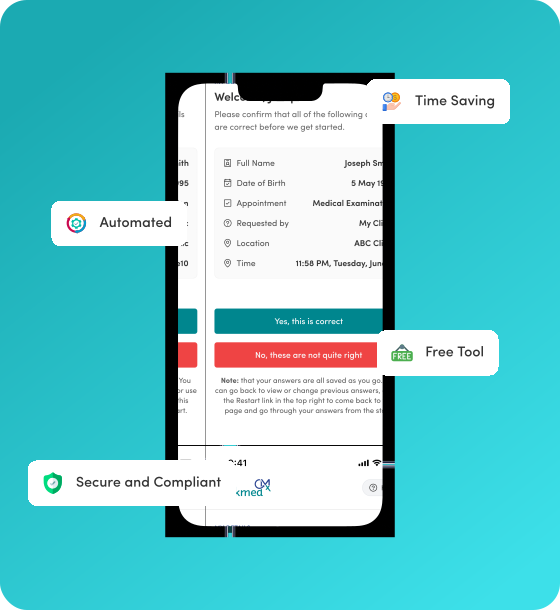
An SMS is sent to the candidate confirming the clinic booking, along with a link to CMx Workmed. The candidate fills in their health survey and adds their signature - all online using their touch screen phone!
Step 2 of 4
Individualise each checklist or booking to add or remove single questions or even entire sections - all depending on the needs of your clients.
Step 3 of 4
The clinic marks the medical exam as Finalised. CMx Workmed collates all the results and responses into one PDF report. The employer is then automatically alerted to download it from our secure portal. Done!
Step 4 of 4